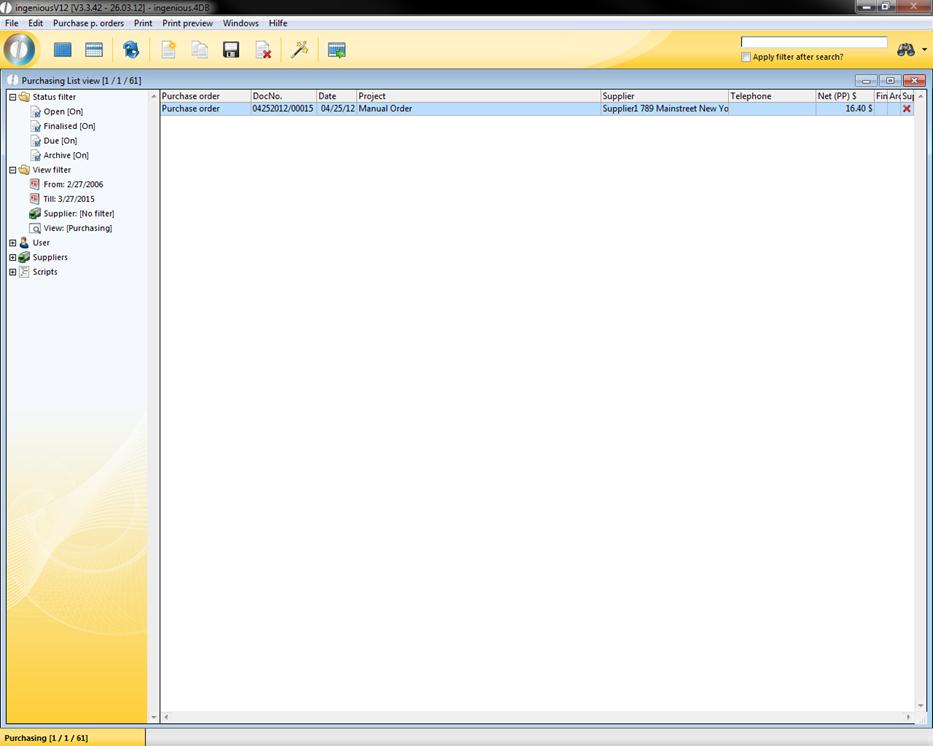
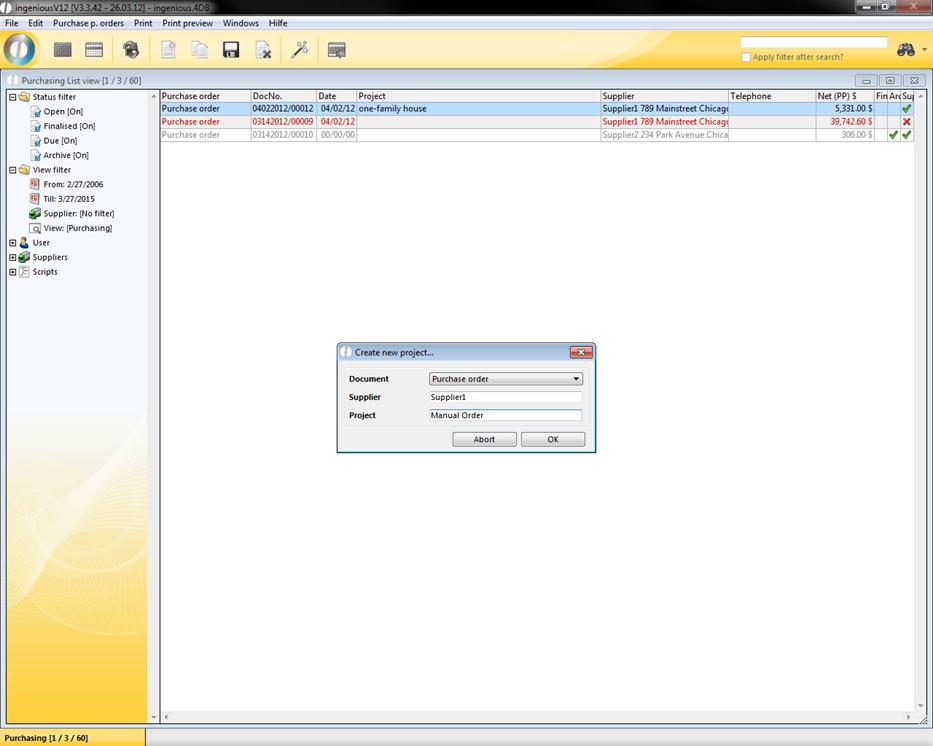
Alternatively you also have the possibility of placing an order manually. This is necessary, if for example you want to fill your inventory due to a special quotation, but don’t yet have the stock to make the order. Furthermore, you can manually order separate consumer goods such as office supplies. In the “Purchasing” module, you create a new order using the menu “Order/Place order” “or by using the  icon to place a new order. Enter the match code of the supplier and assign project identification for a better overview.
The order is placed and displayed in the list view. After switching to the detail view, you can edit the items. Enter products from the catalog or the directly invoiced items.
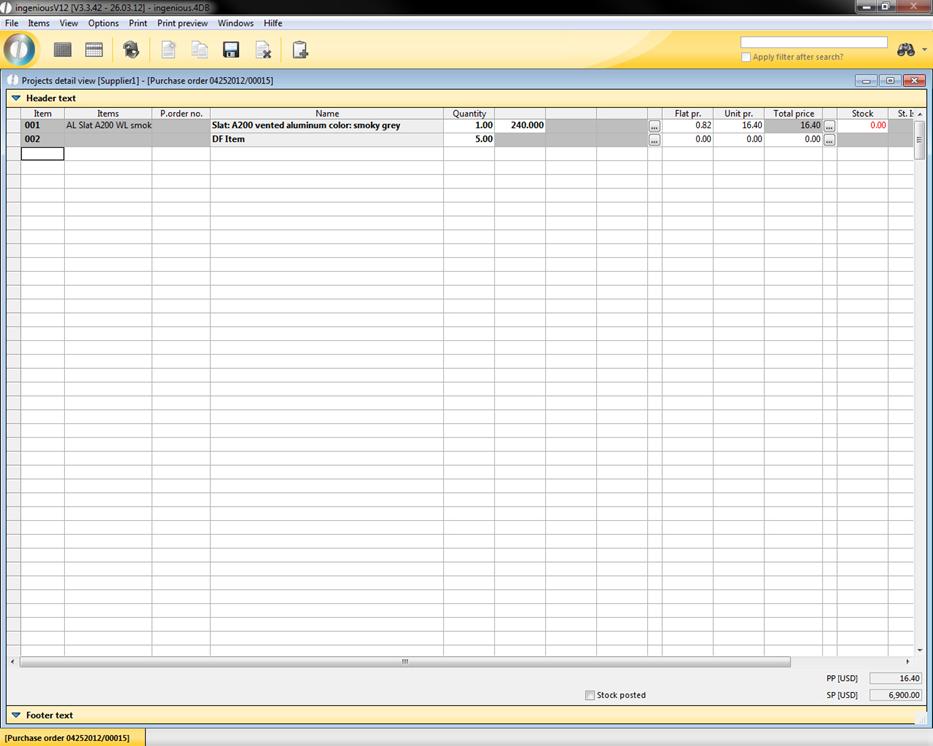
View of the complete items ordered